
Responsible AI use
The practical decisions at school and at home: pupil data, privacy and home-school communication.
Who it's forTeachers, home-school coordinators and parents

Students use AI to do homework, to make images, and to paste their own photos or conversations into a tool. These are practical questions a school and a family deal with every week. This theme is not about whether AI is good or bad: it is about the specific decisions — what must never be uploaded, what to do when you meet a deepfake, and what rules to set at home.
The official documents put this inside the school's remit: the Blueprint for Digital Education Development in Primary and Secondary Schools covers digital education development at school level, and the AI Literacy Learning Framework for Primary and Secondary Schools treats safety, responsibility and ethics as part of what students are expected to learn. The difficulty for a school is rarely knowing that it should be taught — it is finding one version that can be used in a form period, a parent letter and an ordinary lesson without contradicting itself.
Three resources here cover that: a pre-upload safety check that finds and removes pupil personal data, a deepfake response game built on pause, verify and report, and a family AI homework guide containing three family activities, a parent-child agreement and a ready-to-send letter home. The first two suit a lesson; the third suits a parents' evening or a home-school conversation.
Everything is free to download with no registration, and opens in Word or Excel for editing. Filter by stage and subject below — and if your teachers have not used AI at all yet, start with the First and inclusive lessons theme to establish classroom routines, then come back to safety and responsibility.
The materials sit inside the same frame as the rest of the library: the Education Bureau's AI Literacy Learning Framework for Primary and Secondary Schools and the Blueprint for Digital Education Development in Primary and Secondary Schools. They cover the safety, responsibility and ethics the framework expects pupils to learn, and they treat teaching and learning, assessment and learning data as the point of the work rather than the tool: every activity leaves the teacher's professional gatekeeping in place, differentiates for learning diversity, and asks pupils to practise critical discernment — telling a claim apart from a source that can be checked — as part of human-AI collaboration, with timely and appropriate use and technology for good as the standard rather than an afterthought.
Showing 1–10 of 25 resources
P4-S6 cross-subject: think first, then ask — three lines before the tool
P4-S6 cross-subject: two answers to one question — which is more dependable, and why
S1-S6 humanities: source-trail map — the claim, the source, and how I verified it (a three-cell chain, four verdicts, two independent sources)
P4-S6 all subjects: teach it back — assessed on clarity, not on the answer (a 90-second round, a three-cell clarity card, four clarity standards)
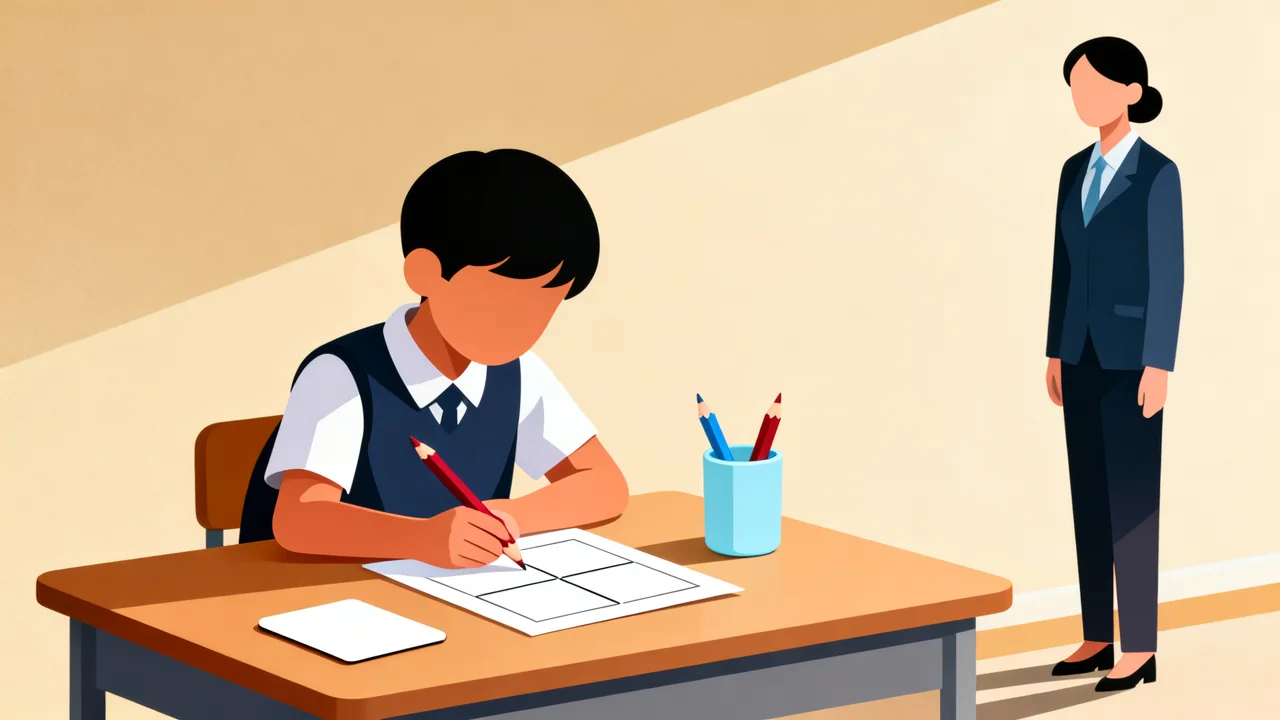
S1-S6 all subjects: a metacognitive log — what I knew, what I asked, what I still cannot do (three columns, four boxes on one page, three minutes in each of four lessons, ten minutes in the fifth)
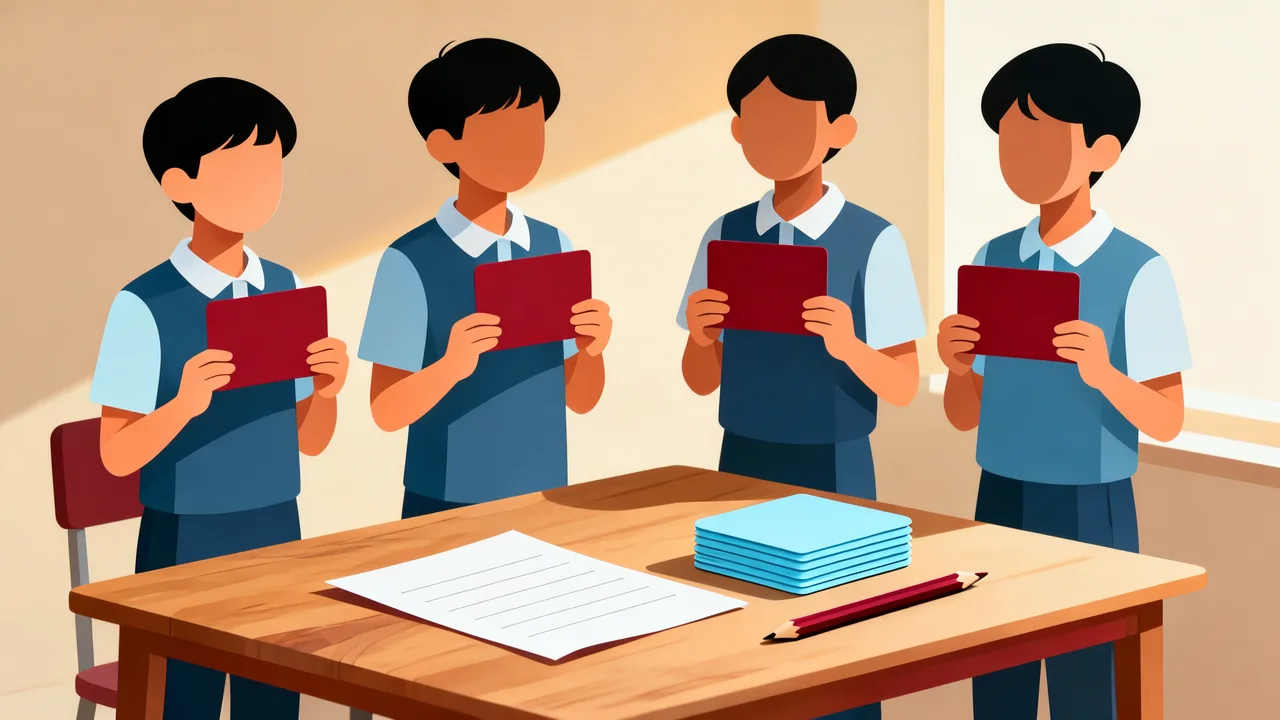
S1-S6 all subjects: peer critique of one shared AI output — the same five to eight sentences, three sentences each, three comment types, a four-column sheet, one class vote
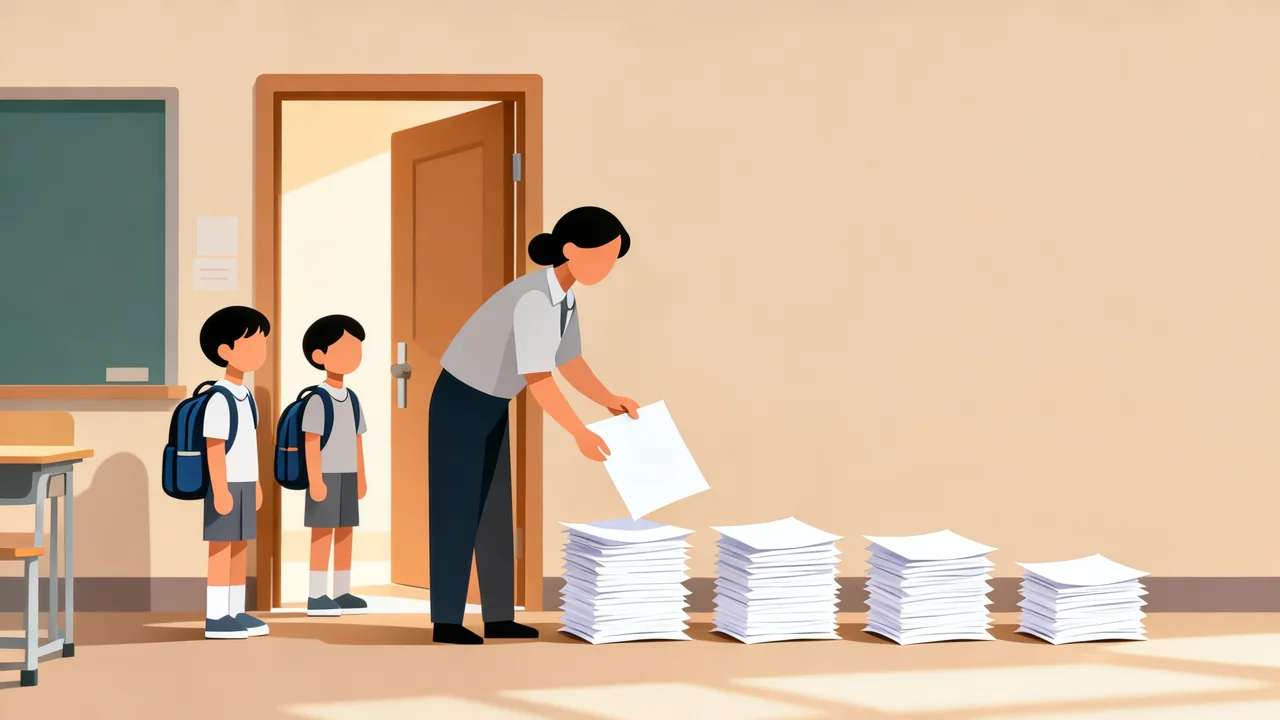
P4-S6 all subjects: exit tickets an AI cannot answer for you — one sheet, three lines, two minutes, five question types, four piles
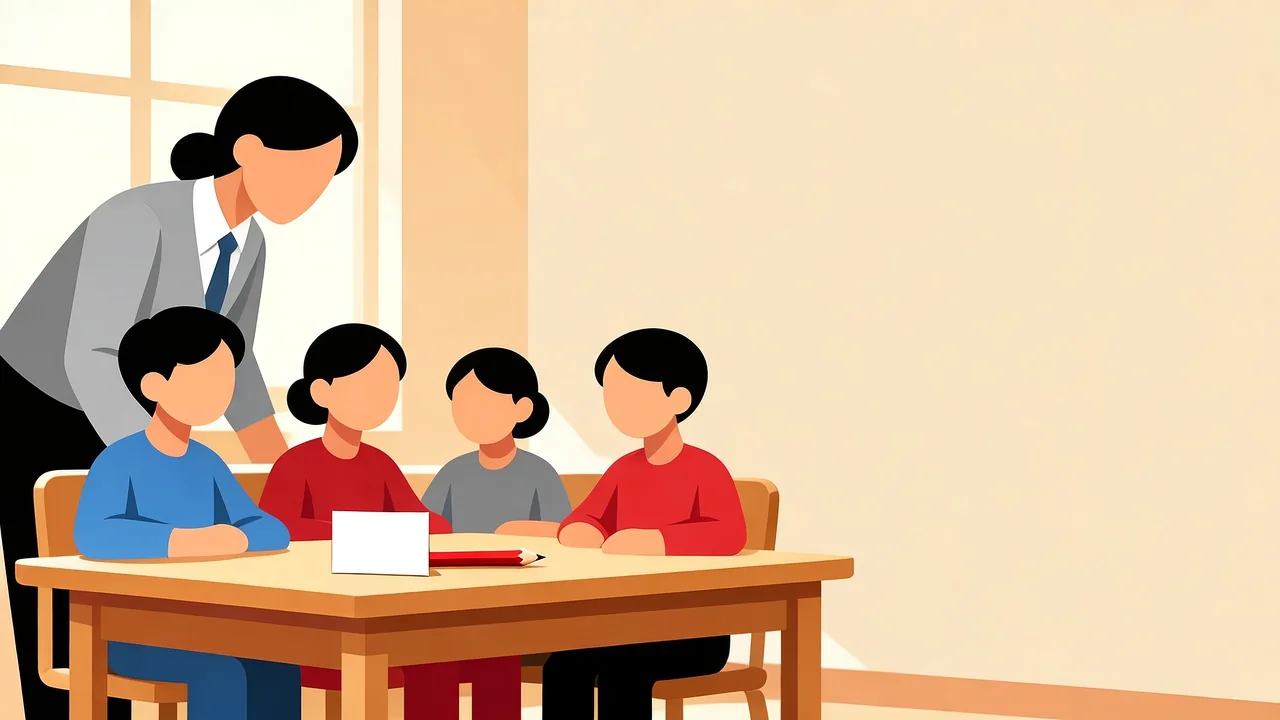
P4-S6 mathematics: explain the idea, not the steps — a three-level oral check an AI cannot sit for you (three minutes a pupil, four columns)
P4-S6 all subjects: better questions — three questions an AI answer did not ask (five lines or fewer, three fixed questions, three columns)
S1-S6 Chinese Language: sentence-by-sentence labelling — mine, the tool's, or both (three labels, four columns, three to five sentences)
P4-S6 all subjects: error analysis — when the AI was wrong, how did you find out? (five cells, four error types, three follow-up questions)
P4-S6 Chinese Language: two drafts side by side — what changed and why (three columns, three self-assessment questions, one peer comparison)
P4-S6 Prompt journal: four columns, three levels of questioning and one revision exercise (all subjects)
S1-S6 Think-aloud record: three steps, five boxes and three follow-up questions when an AI helps with a maths problem

P1-S6 School planning: a school AI incident log and reporting template (six columns, three levels, one route)
P1-S6 Class teachers and parents: safeguarding notes for pupils with additional support needs using AI (five principles, four adjustments, a one-page card)
S1-S6 cross-curricular: what AI costs — energy, water and unseen labour, in three clues and a three-column table

S1-S6 cross-curricular: after AI gets something wrong, who has to account for it — five positions, three types of event and a four-column responsibility map
S1-S6 Class teachers and parents: AI, sleep and self-image — five scenario cards, three questions and a one-page unnamed record (two class-teacher lessons)
P1-S6 School planning: what never goes into a prompt — six categories of data, three rewriting methods and a one-page staff checklist
S1-S6 Information Technology: impersonation and AI-assisted scams — four signals and three steps
P4-S6 cross-subject: verify before you share — a three-step check for a screenshot
S1-S6 Visual Arts: copyright and intellectual property in a classroom AI workflow — four stages, five judgements, a one-page use declaration
S1-S3 ICT: audit a recommendation list — three questions, four places, and what the ranking leaves out
S1-S6 Class teachers and parents: talking to a chatbot — five observable signals, a three-step response, a one-page five-column referral flow and a 30-minute class-teacher lesson
P1-P6 Home AI agreement: parent and child set the boundaries together — six boundaries, three situations, a one-page five-column agreement and a page for parents
S1-S6 Visual Arts: likeness and image rights — five judgements, three outcomes, two 60-minute lessons and a one-page image-use declaration
S1-S6 Information Technology: personal-data scenarios pack — five situation cards, three questions each, a four-level ladder and a one-page decision table

S1-S6 cross-subject: the academic integrity declaration — how I used AI on this piece of work (four levels, one page, six columns)
S1-S6 Class teachers and parents: responding to AI-generated harassment — a four-step procedure, three situations and a first-24-hours timeline
P4-S6 cross-subject: the hallucination hunt — a repeatable routine for checking more than one source

P1-S6 School planning: an annual AI review pack (a five-column review table, six evidence categories, three self-evaluation judgements, four points in a cycle)
P1-P3 Class teachers and parents: a supervision guide for junior pupils using generative AI (four settings, five rules, one page for parents)
P1-S6 School planning: a vetting pack for external AI partners and visiting speakers (five one-page forms, three outcomes, four requirements on the day)
P4-S6 Class teachers and parents: a student AI-voice survey and a "what we changed" feedback loop (eight anonymous questions, one page of counts, one page of changes)
P1-S6 All subjects: library and self-study AI provision (four resource categories, three time slots, five rules)
P1-S6 Cross-subject: a scheme-of-work AI literacy mapping template (six columns, three markers, two reviews a term)
P1-S6 School planning: AI planning continuity pack (seven documents, three handover steps, a one-page sign-off)
P1-S6 School planning: whole-school AI risk register and incident response (eight columns, ten risks, three steps)
P1-S6 School planning: AI budget and licensing worksheet (three funding sources, three cost scenarios)
S1-S6 across subjects: assessment-integrity policy (four task categories, one in-class task per subject per term, a four-step process)
P1-S6 across subjects: observing an AI-integrated lesson and giving peer feedback (a one-page six-column record and a 30-minute feedback meeting)

P1-S6 Form teachers: a student AI-use code with a classroom poster set (six rules, three A3 posters, a 30-minute briefing)
P1-S6 School planning: AI tool selection and procurement scoring table
P1-S6 School planning: AI working group terms of reference and the yearly self-evaluation cycle

P1-S6 Form teachers and parents: a parent communication pack on AI use at school
P1-S6 School planning: the teacher AI professional-development ladder and training-hour record

P4-S6 cross-subject: data-minimisation checklist — strip it before you type it
S1-S6 ICT: hidden-instruction safety drill — when a prompt carries more than you wrote
P4-P6 Mathematics: what we throw away — building a broken line graph from official figures

P1-S6 School planning: AI-readiness infrastructure checklist (devices, network, accounts, filtering, storage)

P1-S6 School planning: staff data-handling guide — what may and may not be put into an AI tool
S1-S3 Humanities: street names as evidence, checking an AI's account of their origin
S1-S3 ICT: repair the biased AI (four debugging tasks)

P1-S6 cross-subject AI-literacy coverage audit: which subject teaches which strand, and where the gaps are
S4-S6 History: AI evidence-trail workshop (three classroom tasks)
S1-S3 Where Hong Kong lives: comparing housing choices with a scoring model

S4-S6 Mathematics: teacher-controlled AI hint cards (four levels, never the answer)
S1-S3 Music: listening and remix pack (describe and rework a musical idea)
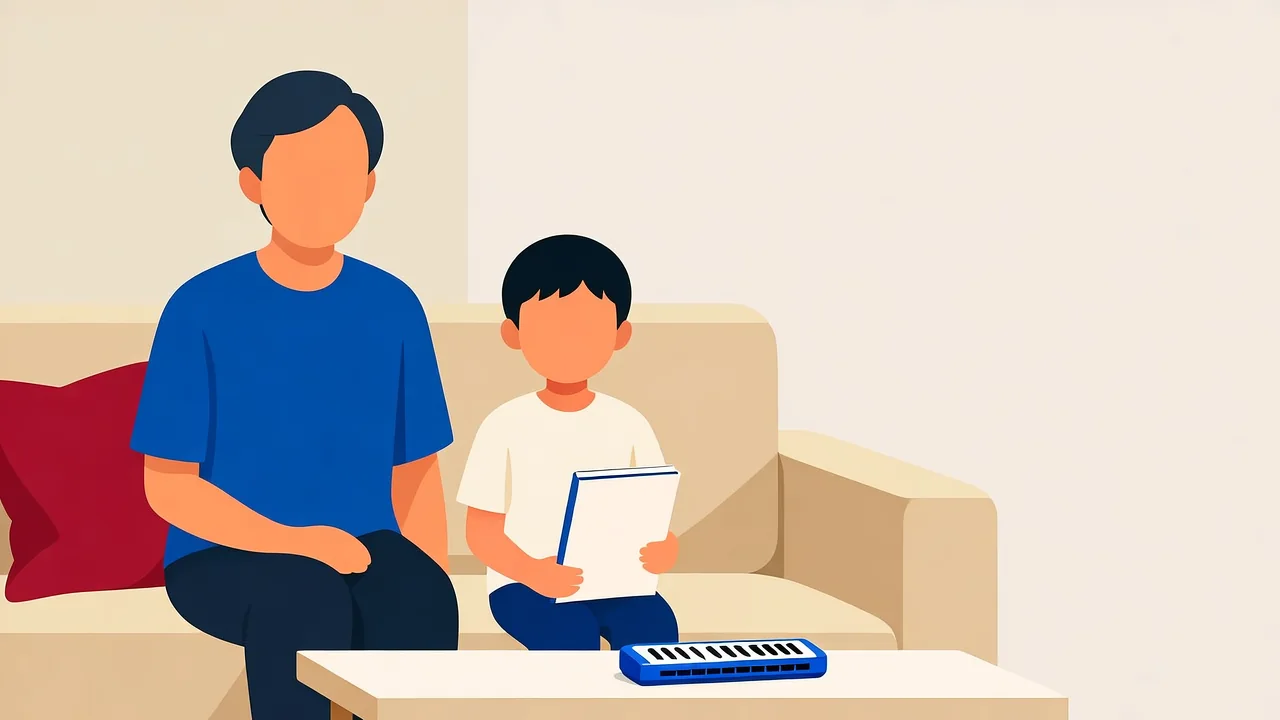
P4-P6 Chinese Language: my story, many voices (interview and record)

P1-S6 School planning: AI-use policy template for staff and students
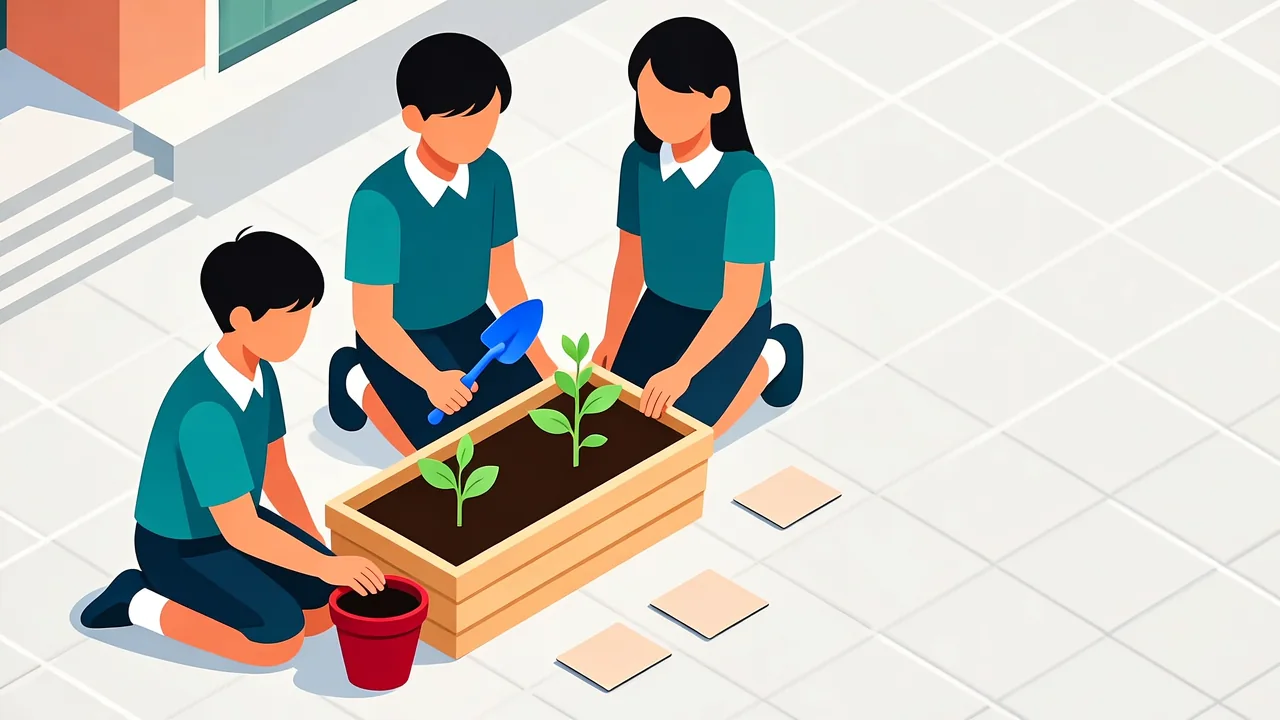
S1-S3 Visual Arts: school garden design sprint (observe, propose, improve)

Whole-staff AI-literacy baseline self-audit and one-term CPD plan (P1-S6)
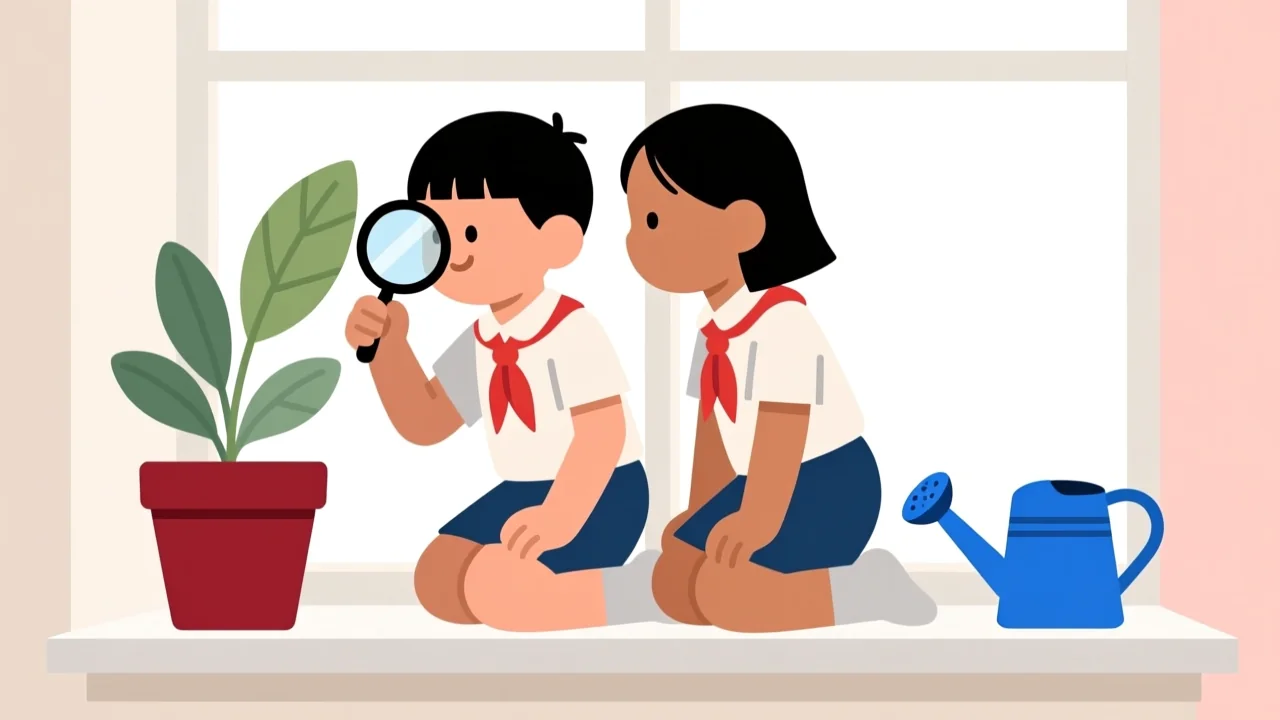
Campus plants: observe first, then check what the AI says (P4-P6)
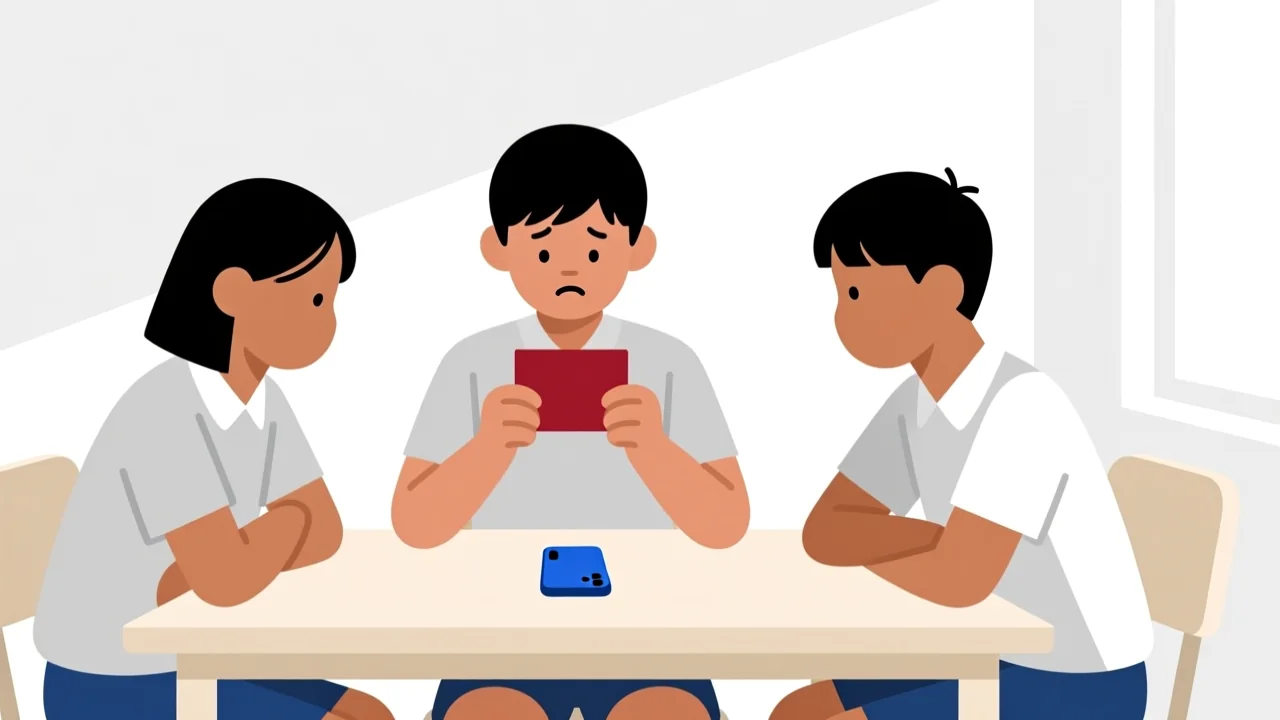
Deepfake response game: pause, check, report (S1-S3)
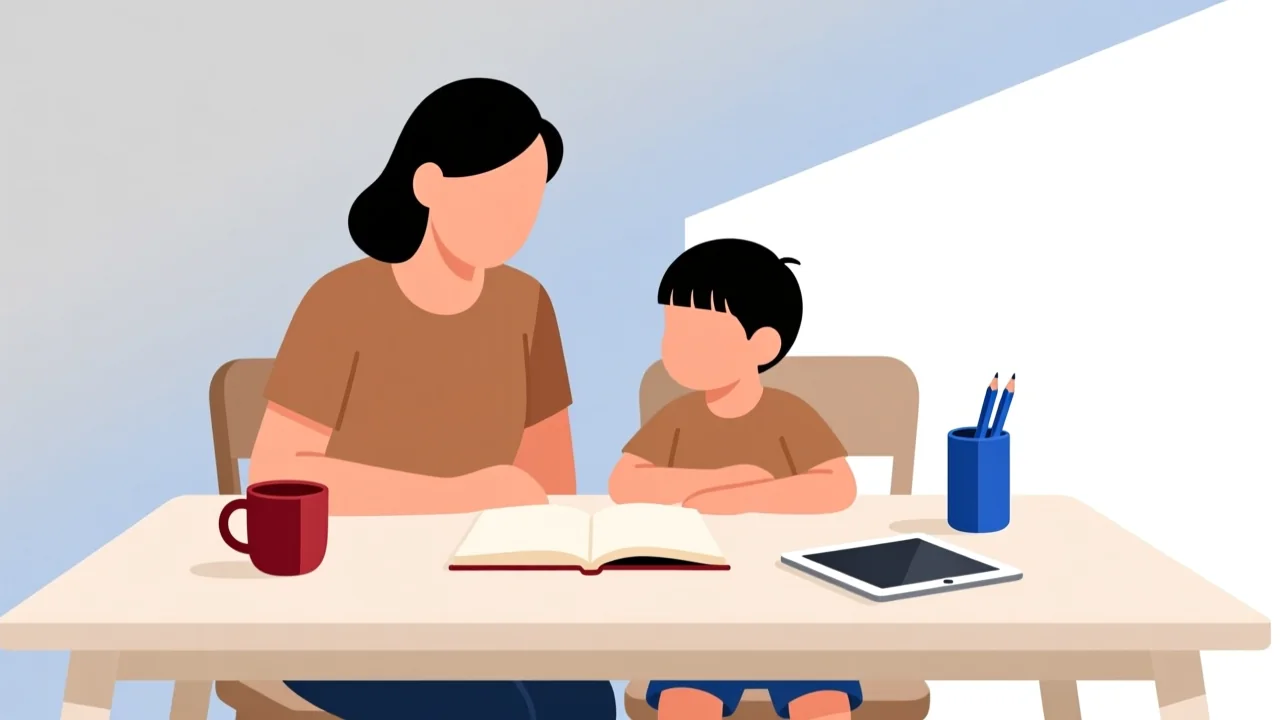
Family AI homework guide: three activities, one agreement, one parent notice (P1-P6)
Your first AI lesson: a self-guided kit for P4-P6 teachers who have never taught with AI
Hong Kong then and now: a local history project with an alternative to a family interview (P4-P6)
Homework redesign kit: two before-and-after assignments that show student thinking (P4-P6)
One Humanities worksheet, three versions: standard, scaffolded and visual

One-term AI education plan: editable planning template with a completed school example (P1-S3)
P4-P6 curriculum gap map: where AI literacy already fits your subjects
P1-P3 cross-subject: two screen-free AI games (no devices needed)
Ten-minute AI judgement checks: three quick formative tasks for P4-P6

P4-P6 Hong Kong population line graph: check an AI explanation
Safe-to-upload rehearsal: find and remove pupil information before using AI (P4-P6)
Student AI-use process sheet: first attempt, prompt, check, revise (P4-P6)
No resources match these filters. Try widening or clearing them.
Frequently asked questions
May we upload pupil personal data to an AI tool?
The working rule is data minimisation: do not upload information that identifies a pupil, including names, class numbers, photographs and marks. The pre-upload safety check gives teachers and students a list to work through before pasting anything in. The aim is a habit, not a set of rules to memorise.
What should a school do when it meets a deepfake?
Teach three steps first: pause (do not forward it), verify (confirm with a source you trust), and report (to the platform or the school). The deepfake response game turns those three steps into a single lesson, suitable for S1-S3, and it needs no technical background from the teacher.
What AI rules should parents set at home?
Keep it to two or three rules that can actually be followed: which homework AI may be used for, what the child must explain afterwards, and what information must never be pasted into a tool. The family AI homework guide provides three family activities, an agreement to sign together, and a letter home the school can adapt.
Does the school need a written AI policy?
We do not write a school's policy for it, but the safety check, the family agreement and the lesson activities here are a reasonable starting point for the discussion. A school can take the parts of the official documents that cover safety, responsibility and ethics, and decide which requirements belong in its own rules.
Is this material suitable for primary pupils?
Yes. The resources marked P1-P6 use everyday situations and avoid technical detail, and the parent letter and family activities can be used as they are. The deepfake response game was designed for the junior secondary years (S1-S3). Teachers can choose by their class; there is no required order between the two.
Browse by theme

School planning
Turn the AI literacy framework into a realistic term plan, and see curriculum coverage and gaps.
Student thinking
See what students actually thought and changed once they used AI.

Hong Kong inquiry
Local Hong Kong inquiry activities that fit existing subjects — and checking what AI says.
First & inclusive lessons
Lessons you can start with the equipment you already have and modest preparation.