
S1-S3 Visual Arts: school garden design sprint (observe, propose, improve)
- StageS1-S3
- SubjectVisual Arts
- Learning strandreflection on the application of AI
- Official documentsAI Literacy Learning Framework for Primary and Secondary Schools · AI Literacy Learning Framework for Primary and Secondary Schools (Examples of Application Scenarios)
- Session timeOne 60-minute lesson: observe, propose, improve
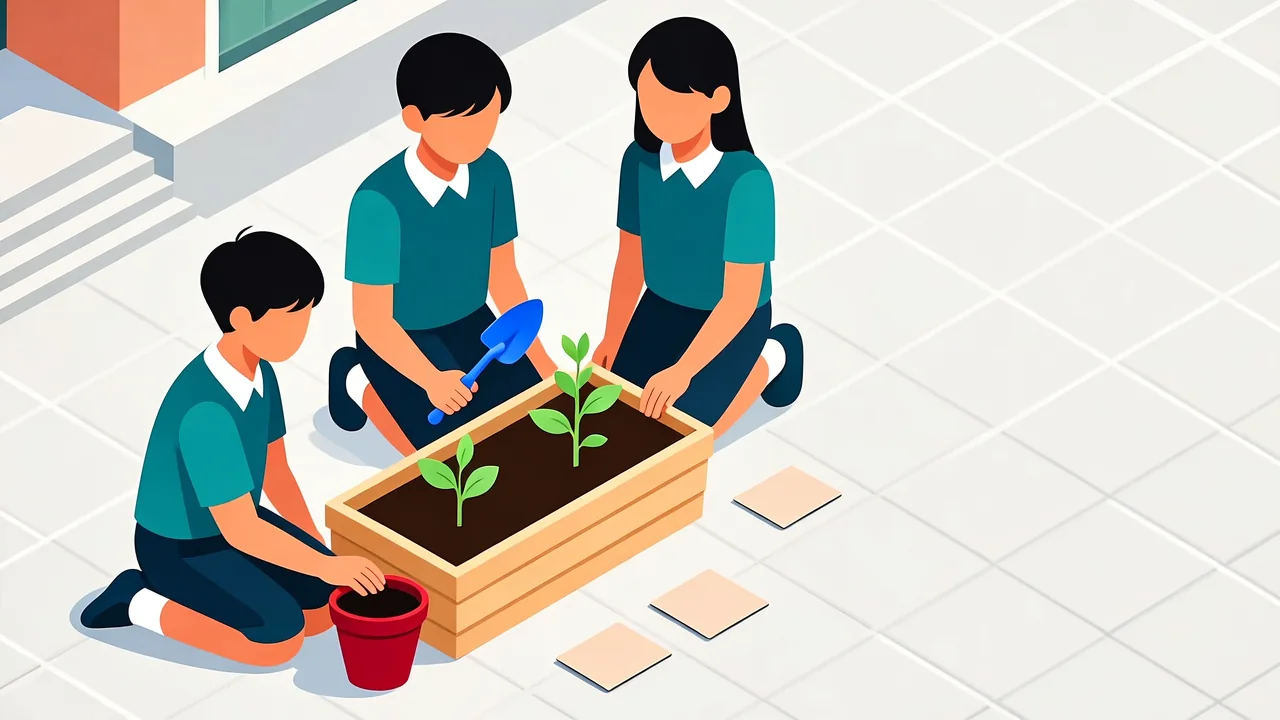
Design sprint: pupils observe their campus, set criteria, use the school's approved AI tool to propose options, improve and critique one.
- EquipmentAccess to one real outdoor spot on campus; printed worksheets; the school's approved AI tool
- Version1.8
- Last updated2026-10-17
| Key learning area | Learning elements | Points to note when using AI |
|---|---|---|
| Arts Education (Visual Arts) | creating, appreciation, design, visual elements | Fact-check: an AI-generated image is not a design drawing, not evidence and not a finished piece; check it item by item against your own design criteria, and record honestly where the AI was wrong or could not know (AI hallucination). |
What this solves
Pupils will soon ask an AI to “design a school garden for me” and hand in the pretty picture it makes as if it were their own design. Real design ability is not collecting images; it is observing a real place with your own eyes first, setting criteria, and then using judgement to check what the AI proposes.
This resource puts observation before asking the AI, across four segments: pupils go to one real outdoor spot on campus and record the things they can actually see — sun, ground surface, drainage, wind, who walks through, and what already grows there. Where they cannot tell, they write a question instead of inventing a number. They then turn those observations into four to six design criteria, ask the school’s approved AI tool for several layout options, and check each one against their criteria — anything they cannot justify is marked unsupported. Finally, they improve one option by hand and write a critique naming at least one thing the AI got wrong or could not know.
The core message: the AI’s images are not a plan, not evidence and not the finished work — the pupil’s own revised drawing and written justification are.
The resource can sit inside a school’s digital education planning and run in a visual arts lesson, assessed through the pupil’s own redrawing and written defence: pupils spell out their design criteria in a written prompt, then check the AI’s image recognition and generated options, and settle on their own redrawn version with copyright in mind.
Learning objectives
By the end, pupils can:
- Describe one real outdoor spot on campus from their own observation (sun, ground, drainage, wind, foot traffic, existing plants), and write a question where they cannot tell rather than inventing a number.
- Turn their observations into four to six checkable design criteria.
- Write a design brief in their own words and use the school’s approved AI tool to ask for several layout options.
- State, option by option, which of their own criteria each one meets, and mark anything they cannot justify as unsupported.
- Improve one option by hand and write a critique naming at least one thing the AI got wrong or could not know.
Written for the junior-secondary learning stage, it covers the reflection on the application of AI strand of AI literacy, with human-AI collaboration and critical thinking at the centre.
How to use it
One 60-minute lesson, in four segments.
- Introduction and outdoor observation (10 min) — Set the rule: “We record what we see; where we cannot tell, we write a question, not a number.” Make clear the finished work is the pupil’s own revised drawing and writing, not the AI’s image. The whole class goes to one real outdoor spot on campus and each pupil fills in the observation record: sun (at two named times of day), ground (paved, soil or planted), drainage, wind, who walks through, and what already grows there. Circulate and remind pupils to write “I cannot tell” as a question.
- Set criteria and write the brief (15 min) — Pool the observations and agree four to six design criteria as a class, filling in the criteria worksheet (for example: shade at midday, low watering need, plants that survive a windy corridor, somewhere to sit, accessible to a wheelchair). Each pupil writes a design brief in their own words, from their observations and criteria, using the brief template.
- Propose with AI and check option by option (15 min) — Give the brief to the school’s approved AI tool and ask for several layout concepts (not finished images). Remind pupils: the AI’s image is an option, not an answer. Fill in the concept-comparison table: which of my criteria does this option meet? What can I not account for? Mark anything I cannot justify as unsupported.
- Improve by hand, critique and share (20 min) — Choose one option and revise it by hand on the revision page, annotating against the criteria and the site’s constraints. Write a short critique naming at least one thing the AI got wrong or could not know (for example it could not know the drainage you observed, the wind, or the walk-through route). Share the revised drawings and critiques, and restate: the AI’s image is not the finished work; the pupil’s own drawing and reasons are.
Answer key and marking notes
This design sprint is open-ended, but good answers share checkable features. The examples below are fictional; teachers can swap in their own campus spot.
A good observation record
| Item | Strong (good observation) | Common problem |
|---|---|---|
| Sun | Records what they saw at two named times of day (for example “the whole patch is in sun at morning assembly, only the east side at lunch”), with the date and time | Copies an “X hours of sun a day” figure, or takes one from elsewhere |
| Ground / drainage | Records the surface they saw and any signs left by rain | Guesses “drains well” without seeing any sign |
| Where they cannot tell | Writes a question (“does this corner get sun in the afternoon?”) | Invents a number to fill the box |
Rule: pupils record only what they see; where they cannot tell, they write a question. If an official figure is needed (for example annual rainfall), the class should get it themselves from an official source such as the Hong Kong Observatory — this resource supplies no numbers.
A good criterion
A good criterion is checkable: it names a place and a situation, and can be checked with a yes or no. For example “between noon and one o’clock, the seating area must have shade” is better than “it should have shade”. If the class only writes criteria such as “looks nice” or “more flowers”, ask: “How would you check whether it has done that?”
A good concept comparison
| Column | What a good answer contains |
|---|---|
| Criteria it meets | Lists each criterion and can point to which part of the option matches it |
| What it cannot account for | Marks the parts of the option the pupil cannot defend with their own observation or criteria, and writes “unsupported” |
What the teacher looks for: whether the pupil can say, for each option, which of their own criteria it meets; anything they cannot justify must be marked unsupported. Copying an AI image with no comparison table means the section is not done.
A good critique
A good critique names at least one thing the AI got wrong or could not know, and ties it back to the pupil’s own observation. For example (fictional): “The AI put the seating on the east side, but we observed that the east side is the windiest all day, so the option ignores the wind.” Writing only “it is badly designed” with no evidence is not a good critique.
Marking guide
| Criterion | Strong | Developing | Needs help |
|---|---|---|---|
| Observation | Records what they saw; writes questions where they cannot tell | Has observations but mixes in guesses or outside figures | Hardly any own observation; copies figures or leaves it blank |
| Criteria | Criteria are checkable, with a place and a situation | Criteria are roughly sensible but hard to check | Criteria are vague (“looks nice”) or missing |
| Concept comparison | Matches each option to its criteria, and marks anything they cannot justify as unsupported | Compares but the matching is incomplete | Uses the AI image directly, with no comparison |
| Improvement and critique | Revises by hand and names at least one thing the AI got wrong or could not know | Has a revision or a critique, but one of the two is weak | Hands in an AI image as the work, or no critique |
The one rule that matters
The AI’s images are not a plan, not evidence and not the finished work. A pupil who hands in an AI image as their design has not done the task — the finished work is the pupil’s own revised drawing plus a written justification they can defend from their own observation. Teachers should restate this in every lesson.
Files
The full worksheet (observation record, criteria worksheet, design brief template, concept-comparison table, revision page and marking guide) is in the download file:
Worksheet (Word document, editable)
All places and examples in the worksheet are fictional and do not involve any real school, place or pupil.
Official documents
Every resource in this library is written to the AI Literacy Learning Framework for Primary and Secondary Schools and falls within the policy scope of the Blueprint for Digital Education Development in Primary and Secondary Schools.
This resource maps to:
- Supplement I: AI Literacy Learning Framework for Primary and Secondary Schools (p.1-8): pupils should understand AI’s abilities and limits, use it responsibly, and check its output critically rather than accepting it as given.
- AI Literacy Learning Framework for Primary and Secondary Schools (Examples of Application Scenarios) (p.16): a Visual Arts scenario for junior and senior secondary in which pupils design a bench for the school garden, interview the people who will use it, and use AI to see how a design sits in the real setting; this resource applies the same loop to a garden design sprint.
Learning strand: reflection on the application of AI
Official documents page: https://www.edb.gov.hk/en/edu-system/primary-secondary/applicable-to-primary-secondary/it-in-edu/debp.html
This page is an independent Beets teaching resource, not an official EDB document.
Feedback
If you have any comments or questions about this resource, or an idea for the next one, tell us on the feedback page.
Related resources
Reuse
Download and adapt these resources freely for teaching; please keep the attribution.