
P1-P3 PE: two screen-free AI games (no devices needed)
- StageP1-P3
- SubjectPE
- Learning strandfundamental operating principles of AI
- Official documentsAI Literacy Learning Framework for Primary and Secondary Schools (Examples of Application Scenarios) · AI Literacy Learning Framework for Primary and Secondary Schools
- Session timeOne PE lesson (60 min)
Two screen-free movement games: pupils run to a labelled cone to sort everyday items into 'uses AI / does not use AI', then the whole class acts as training data to see how one wrong example skews the model. Includes an equipment list, teacher instructions, inclusion notes and a two-minute understanding check.
- AudienceTeachers
- ThemeFirst & inclusive lessons
- EquipmentHall or playground and everyday PE kit only (cones, hoops or floor mats, picture cards) — no devices
- Version2.5
- Last updated2026-10-18
| Key learning area | Learning elements | Points to note when using AI |
|---|---|---|
| Physical Education | movement, fitness, games, competition, safety, cooperation | Use tools with care, and build information literacy: the teacher reads the pupils’ movement as training data to show how a sensor collects data, and the class says why a wrong example teaches the model wrongly. |
What this solves
Young pupils often treat “AI” as meaning “anything electronic” or “any machine”, and they do not know that AI learns from examples. If a wrong idea is fixed at the start, it is harder later to tell the limits and risks of AI apart.
This resource uses two screen-free movement games so that P1–P3 pupils “run out” two key ideas in a hall or playground: first, AI is not every machine — it is tools that “decide for themselves”; second, AI learns from examples (data), so if the examples are wrong, the AI learns the wrong thing.
No device or screen is needed at any point — only ordinary PE kit — so it works in classrooms without tablets or a network, and in classes with a wide range of learning needs.
The two games can form part of a school’s digital education planning as an early encounter with AI, run in a PE lesson and usable as a lesson design for an inclusive class: pupils act out machine learning while the teacher reads their movements as training data, the way a sensor would, so they feel how the data decides the judgement.
Learning objectives
By the end, pupils can:
- Say how “AI” differs from an ordinary tool: not everything electronic uses AI.
- Sort everyday examples into “uses AI” and “does not use AI”.
- Act out “learning from examples”: AI learns to judge from examples (data).
- Say that a wrong example makes the AI learn wrongly (“bad data in, bad answer out”).
They cover the fundamental operating principles of AI strand of AI literacy at the early-primary learning stage, building critical thinking and timely and appropriate use.
Teaching steps
One 60-minute lesson, in four segments. The two games keep exactly the same content; only the time for each activity is longer, and Games 1 and 2 can be swapped depending on the class.
- Warm-up and introduction (8 min) — Ask: “What things can ‘decide for themselves’?” (for example an automatic door, a voice assistant). Collect answers without judging.
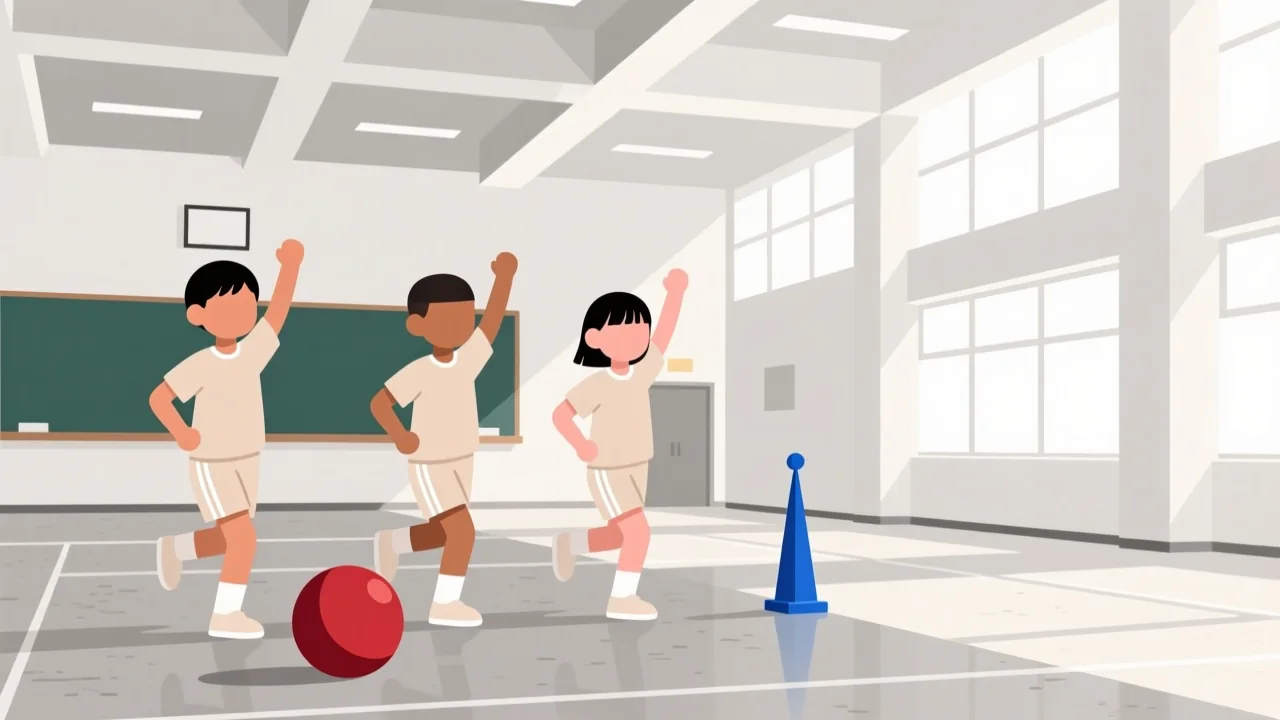
- Game 1 — “AI or not AI?” (22 min) — See the teacher instructions below. Pupils run to the labelled cone to sort each card.
- Game 2 — “Train the model” (22 min) — The whole class is the “training data”; one pupil is the “model”. Watch how one wrong example makes the model go wrong.
- Tidy-up and the two-minute check (8 min) — Use the check questions in “Answer key and marking notes” to confirm the two key ideas.
Game 1 — “AI or not AI?”
Equipment: two cones, one with a large “Uses AI” symbol and one with a large “Does not use AI” symbol, placed at opposite ends of the space; a set of picture cards (see the printable).
How to play:
- The teacher holds up a card (for example “robot vacuum”) and the whole class thinks for a second.
- The teacher calls “Go!”, and pupils run to the cone they think is correct.
- The teacher reveals the answer, asks anyone who is wrong to run to the correct side, and gives a one-sentence reason (for example “A robot vacuum avoids obstacles by itself, so it uses AI”).
- Repeat with 8–12 cards (with the longer time, play more rounds from the same set of cards).
Teacher instructions:
- Start with obvious cards (pencil, traffic cone vs robot vacuum, voice assistant), then bring in cards that are electronic but do NOT use AI (a plain light switch, a camera with no automatic function). This is the key distinction.
- Give only one sentence of explanation per card; no technical detail.
Game 2 — “Train the model”
Equipment: two floor mats or hoops as answer zones (“Animal” and “Not an animal”); a set of animal / not-animal picture cards (see the printable).
How to play (four steps):
- Teach (about 8 min) — One pupil is the “model”, standing with their back to the class (or with eyes closed). The teacher shows cards one by one (cat, dog, fish → animal; ball, car → not animal); the whole class says the correct label out loud so the “model” hears it. Repeat 4–5 cards, all correct; a second pupil can take a turn as the “model” with the same cards, or the class can say the labels more than once.
- Test (about 4 min) — The teacher shows a new card the model has not seen (for example “bird”). The class stays silent; the model judges “animal / not animal” and steps into the matching zone. Usually correct; one or two more new cards can be tested.
- Add one wrong example (about 4 min) — The teacher quietly shows a “ball” card but signals the class to say the label “animal” on purpose. Test a new ball card again — the model now judges it as “animal”; one more new card shows whether the model still gets it wrong.
- Discuss (about 6 min) — Ask: “Why did the model get it wrong just now?” Guide pupils to see that one wrong example mixed into the teaching made the AI learn the wrong thing.
Inclusion notes
- Pupils who cannot run or move far: they can point, hold up a coloured card, or be paired so a friend runs on their behalf; shorten the distance between the cones.
- Pupils who need visual support: every card carries a large picture plus a word; use large, clear symbols on the cones; say each card aloud as you show it.
- Pupils who are deaf or hard of hearing, or who have a speech difficulty: model every action; allow answers by action or sign rather than speech.
- Pupils who need support with attention: use fewer cards per round and shorter distances.
Answer key and marking notes
Game 1 — card sorting (answers)
| Card | Group | One-sentence reason |
|---|---|---|
| Pencil | Does not use AI | It does not decide for itself |
| Traffic cone | Does not use AI | It is just an object |
| Traffic light | Does not use AI | It changes on a fixed timer |
| Light switch | Does not use AI | It is only an on/off switch |
| Robot vacuum | Uses AI | It avoids obstacles by itself |
| Voice assistant | Uses AI | It understands speech and answers |
| Camera autofocus | Uses AI | It finds the face or subject by itself |
| Step-counting watch | Uses AI | It tells walking from running by itself |
The key distinction: not everything electronic “uses AI”. Only tools that decide for themselves count.
Game 2 — train the model (answers)
- After the correct “teaching”, the model can judge a new, unseen card correctly, because it learned the features of “animal” from the examples.
- After one wrong example is added, the model judges a new “ball” as “animal”. This shows: if the training data has a mistake, the model learns the mistake (“bad data in, bad answer out”).
- A one-line chant the class can remember: “Right examples, right AI; wrong examples, wrong AI.”
Two-minute understanding check (hands up or thumbs up/down)
- Does a pencil use AI? — No.
- Does a robot vacuum use AI? — Yes (it avoids obstacles by itself).
- If I mix one wrong example into the “teaching”, what does the model do? — It learns wrong / gets it wrong.
Pupils should get at least questions 2 and 3 right to show they hold the two core ideas of the lesson.
Files
Two-page picture cards and instructions(editable Word document)
The printable contains the full card sets for Games 1 and 2 (picture + word, for pre-readers), the teacher instructions, the inclusion-notes checklist and the two-minute check.
Official documents
Every resource in this library is written to the AI Literacy Learning Framework for Primary and Secondary Schools and falls within the policy scope of the Blueprint for Digital Education Development in Primary and Secondary Schools.
This resource maps to:
- AI Literacy Learning Framework for Primary and Secondary Schools (Examples of Application Scenarios) (p.4): an early-primary example of meeting AI through unplugged activity.
- Supplement I: AI Literacy Learning Framework for Primary and Secondary Schools (p.1-8): the early-primary stage of the learning progression covers meeting AI through physical and unplugged activities.
Learning strand: fundamental operating principles of AI
Official documents page: https://www.edb.gov.hk/en/edu-system/primary-secondary/applicable-to-primary-secondary/it-in-edu/debp.html
This page is an independent Beets teaching resource, not an official EDB document.
Feedback
If you have any comments or questions about this resource, or an idea for the next one, tell us on the feedback page.
Related resources
- Your first AI lesson: a self-guided kit for P4-P6 teachers who have never taught with AI
- One Humanities worksheet, three versions: standard, scaffolded and visual
- S1-S3 Music: listening and remix pack (describe and rework a musical idea)
- P4-P6 Chinese Language: my story, many voices (interview and record)
Reuse
Download and adapt these resources freely for teaching; please keep the attribution.